1. Home
  2. Guides
  3. 3D Green Screen Backgrounds

3D green screen

Production notes

A virtual studio behind your green screen.Built for your camera and your look.

A green screen swaps your room for any set you like. The result depends on that set: its framing, its lighting and how well it fits your channel.

In short: a 3D green screen background is a still or a loop made for your camera, used as a stream background or virtual studio. Your streaming software removes the green and puts the set behind you. Set design starts at €300 excl. VAT per image with a supplied 3D file; everything else is quoted.

What I offer: a custom 3D set for your green screen, framed for your webcam, still or animated, with versions for live streams and vertical formats.
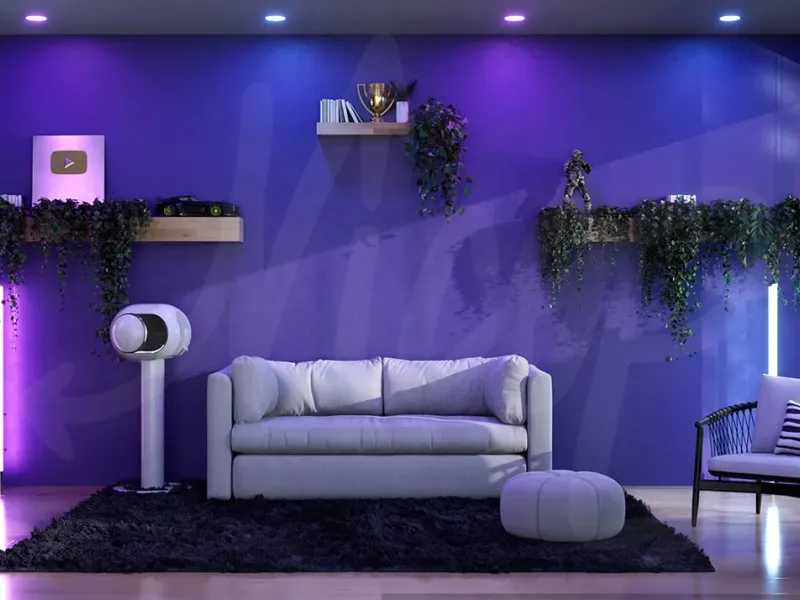
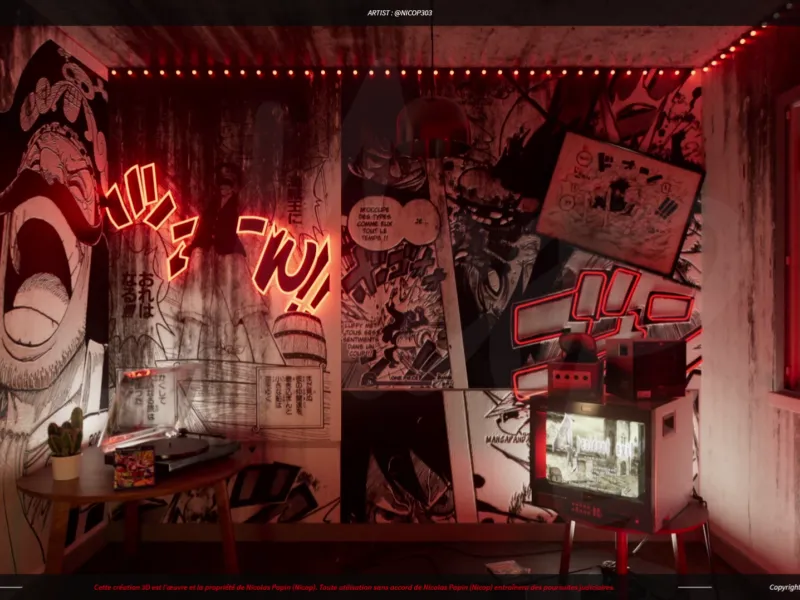
Selection of 3D green screen backgrounds made for streamers and content creators
3D Green Screen Backgrounds · Streamers

Ready-made background or custom 3D set

QuestionReady-made backgroundCustom 3D setMe
UniquenessOther channels may use the same oneMade for your channel
FramingHas to be adapted to your webcamDesigned for your camera and position
RightsLicense to checkUsage rights set in the quote
VariationsWhatever is availableStarting screen, animated version, vertical format

Production notes

What a 3D set changes on a live stream

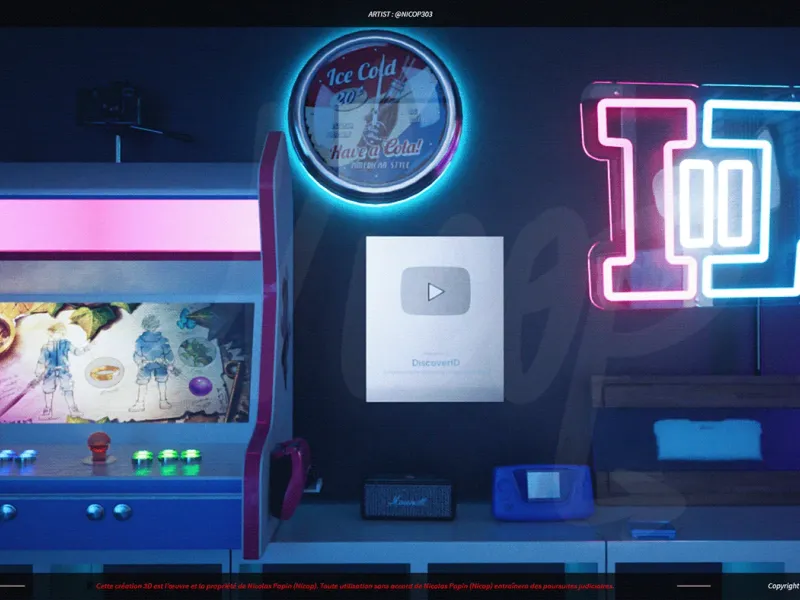
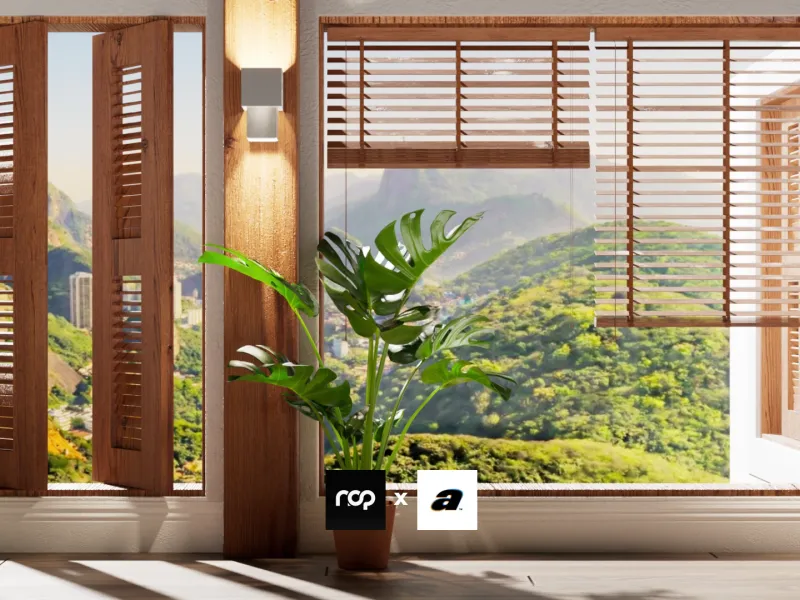
A virtual set makes a bedroom or office look like a real studio. Lounge, office, studio, neon, plant-filled or isometric mood: everything is built in 3D, with no renovation.

The same set can work everywhere: stream background on Twitch or Kick, virtual studio for YouTube videos, webcam backdrop in short-form content.

For a VTuber, the live set can also sit behind the avatar, like any background image.

Matching the set to your camera

A green screen set is built from where your camera sits. If the set’s perspective and focal length differ too much from your webcam’s, the composite shows.

The set’s lighting should match the light falling on you. A warm lamp on the left of the image makes little sense if your face is lit cool from the right.

A slight depth-of-field blur on the background often helps separate you from the set, the way a real camera would.

Still, animated, horizontal or vertical

A still version is often enough for a virtual studio. An animated loop adds life: a scrolling screen, shifting light, a moving landscape.

16:9 is for live streams and YouTube; 9:16 for TikTok, Shorts and Reels. Planning both from the start avoids cropping a set that was never designed for vertical.

The same world can become a starting screen, a banner or an outro, as for the DiscoverID channel.

Setting up the background in OBS

In OBS Studio, keying is done with the Chroma Key filter, an effect filter added to the camera source. It removes the chosen color, green by default.

The OBS documentation describes its settings: similarity, edge smoothness and key color spill reduction, useful around hair. The set then goes in as an image or video source below the camera.

An evenly lit, wrinkle-free green screen often makes this easier. A good set does not make up for a poor key.

What I offer

Since 2020, I have worked with more than 200 content creators on their 3D green screen sets. I handle everything end to end: art direction, modeling, lighting, rendering and variations.

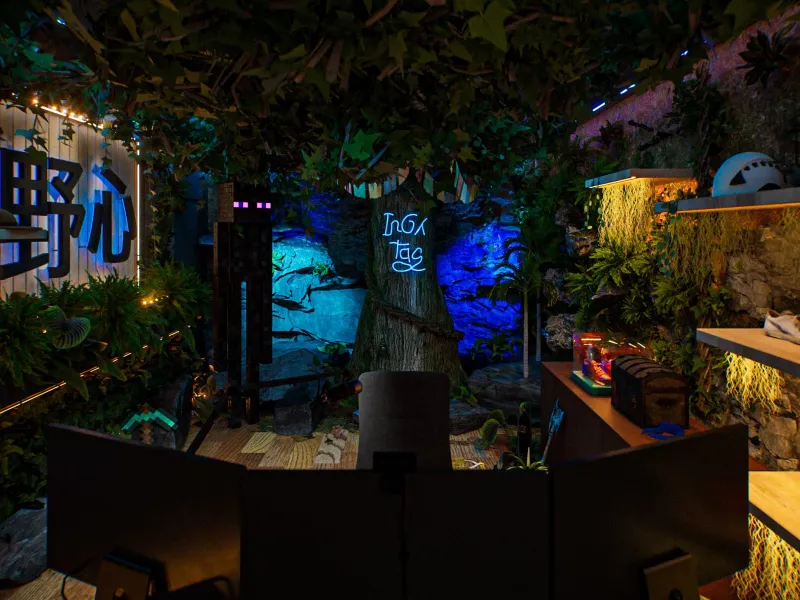
Billy in two moods, Kameto’s studio, Domingo’s The OGs, Sussu’s animated starting screen, Inoxtag’s plant-filled studio: I create every set myself, with no stock images and no generated content. No third-party rights issues; the scope of usage rights is set in the quote.

You can create with AI, but AI will never understand the art direction and the vision of your online image better than I do.

Set design starts at €300 excl. VAT per image with a supplied 3D file. A set built from scratch or animated is quoted: the estimate tool gives you a first idea.

Where this information comes from

How the Chroma Key filter works and its settings come from the official OBS knowledge base (obsproject.com/kb/chroma-key-filter and filters-guide), accessed on October 26, 2026.

The framing, lighting and depth-of-field tips reflect common practice and should be checked on your own setup.

Frequently asked questions

What is the difference between a green screen and a virtual studio?

The green screen is the fabric or panel behind you. The virtual studio, or virtual set, is the 3D image your software shows in its place.

Does the set work on Twitch, YouTube, TikTok and Kick?

Yes. Keying happens in your streaming software, before the platform. Just plan a 16:9 format and, if needed, a 9:16 version.

Can you animate the set or make a starting screen?

Yes, as an animated loop or a starting screen, as for Sussu on Twitch. The price of an animated version is set on quote.

Can I use the set without rights issues?

I create the set myself, with no stock images or generated content. Permitted uses are spelled out in the quote.

What should I send to get started?

A screenshot of your webcam framing, mood references, your brand guidelines or logo, the formats you need and your main platform.